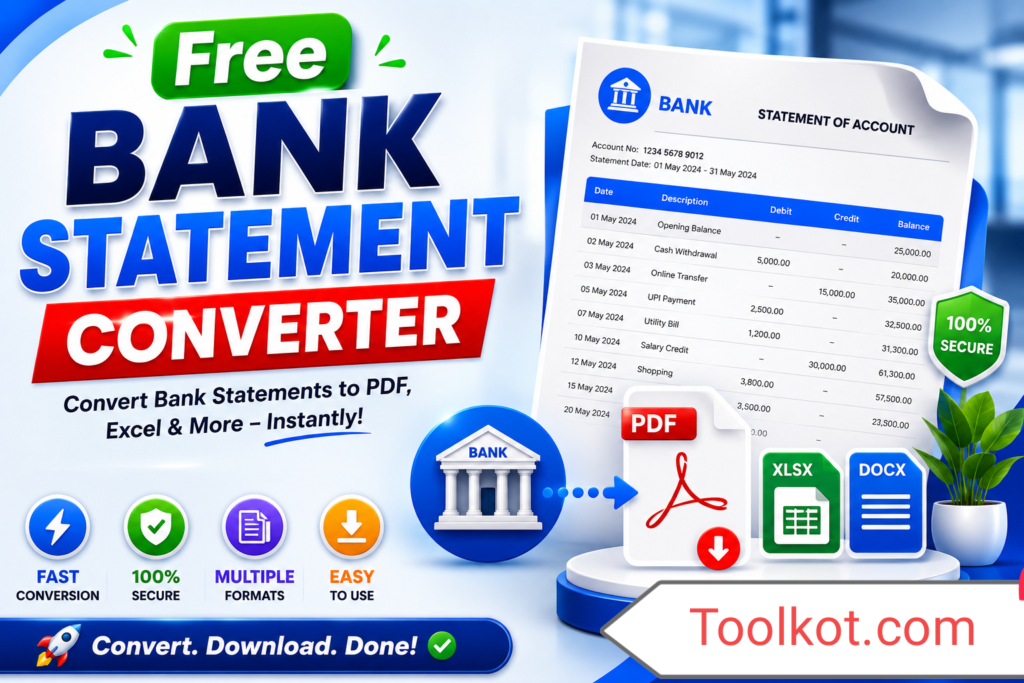
The Free Bank Statement Converter Pro represents a localized enterprise-grade utility that standardizes unformatted financial documentation streams into clear analytical reporting. This application eliminates structural variations in accounting dumps to let you run deep historical analyses safely. By maintaining data residency within your web browser, information processed through this script remains entirely secure, private, and isolated from external networks.
How to Use the Converter Framework
Execution requires simple sequential actions designed to optimize your workflow pipeline:
Upload Target Document: Drag your raw file dump directly into the drop region or select it using the browser file navigator.
Configure Structural Variables: Define row sorting arrays, strip raw currency character marks, or enforce targeted structural constraints using the adjustments configuration deck.
Initiate Matrix Compilation: Select Compute & Reconstruct Matrix to process the document locally in real time.
Download Standardized Data: Click Download Converted Sheet to export the fully standardized output file to your local drive.
Key System Use Cases
Accounting Teams: Normalize diverse multi-bank balance exports into standardized formats ready for automated bookkeeping ledgers.
Freelancers & SMBs: Extract unstructured statement files directly into spreadsheets to make tax verification straightforward and effortless.
Audit Specialists: Quickly parse high-volume accounting tables with customizable parsing configurations to speed up auditing pipelines.
10 Premium Core Advantages
Zero Server Data Exposure Foundations
Multi-Format Target Array Construction Engine
Automated Floating Point Numeric Stripping
Instant Inline Field Filtering Engines
Adaptive Input Row Directional Re-Sorting
Client-Side Layout Renders with Minimal Memory Usage
Multi-Format Array Detection Parsing
Direct Dynamic Output Grid Verification previews
Mobile Browser Core Layer Compatibility
Optimized Script Core Profiles for Zero Latency Load
Frequently Asked Questions
Does my private transaction history ever reach your web hosting servers? +
No. The converter operates using sandboxed client-side JavaScript execution arrays. Your records never leave your local workspace browser context.
Which output formats can I generate with this tool? +
The system outputs clean files natively in Excel Workbooks (.xlsx), standard Comma-Separated Values (.csv), and JavaScript Object Schema tables (.json).
Can it parse multi-currency data points? +
Yes. The sanitization options clear currency symbols completely while preserving decimal positions to ensure error-free imports into financial software.
Is there a daily usage limit or processing cap? +
There are no operational limits. The processing runs directly on your local system hardware via the browser tab, bypassing standard server resource caps.
Why choose this tool over other premium alternatives? +
This platform provides advanced features like real-time data previews, customizable formatting tools, and comprehensive security protections completely free of charge.
How does this tool handle corrupted text rows? +
The system isolates unreadable characters during processing, allowing valid rows to pass through without interrupting the overall conversion process.
Can I reverse the chronological order of my transactions? +
Yes. Use the sorting menu to arrange your transaction rows in chronological or reverse-chronological order instantly.
Is this script fully compatible with mobile web browsers? +
Yes. The fluid CSS design scales seamlessly to match standard smartphone, tablet, and high-resolution desktop viewports.
Does this program require external plugins or extensions? +
No. The system uses self-contained components that run natively in modern web browsers without requiring additional downloads.
What should I do if my columns misalign? +
Check your layout delimiter settings and make sure your input matches standard comma, tab, or semicolon structures before converting.
Can I filter out internal transfers before exporting my file? +
Yes. The real-time preview table includes an inline filtering field so you can search and check specific records before downloading.
Does this application work without an active internet connection? +
Yes. Once the web application completely caches inside your browser tab, all calculation scripts execute offline without requiring continuous network access.
Can it handle extra-large files containing thousands of transactions? +
Yes. The underlying system architecture uses streaming array techniques designed to process large files quickly and smoothly.
Why does this application load so much faster than other online converters? +
The tool saves significant processing time by keeping all transformations local, eliminating the need to upload files to a remote server and wait for a response.
Is this tool completely free to use for commercial projects? +
Yes, this tool is 100% free with no licensing fees, usage limits, or hidden costs for corporate and independent accounting teams.